
How to activate a license
How to purchase a Drew license
You can purchase a Drew license in two ways:
- Via our FastSpring shop:
- Self-service
- FastSpring will be your contact for billing
- CAD Booster provides all other support
- By contacting us directly:
- If you need a proper invoice or you want to pay by bank transfer.
- This option works best for Dutch and European companies.
How to activate your Drew license
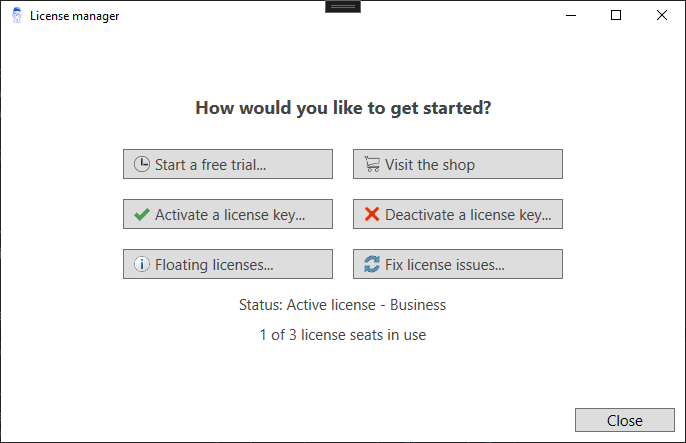
After you purchase a Drew license, you will receive an email with your license key. To start using your license, follow these steps:
- Open the License Window
- Click Activate a license key
- Enter your key
- Click Activate
The license manager will now check with our license server if another license seat is available. It will then activate a license and register your computer with our license server.
Drew license types
To learn more about the two license types for Drew, check out the articles on Drew Solo and Drew Business licenses.