
How to install Drew
Install the add-in
Installing Drew is very easy:
- Close SOLIDWORKS
- Download the installer here: https://staging.cadbooster.com/drew/
- Double-click the .MSI file to start the installer
- Click Next
- Wait a few seconds and you’re done
- Start SOLIDWORKS
You need to be an admin on your PC to be able to install SOLIDWORKS add-ins. More about that here.
Set up your settings
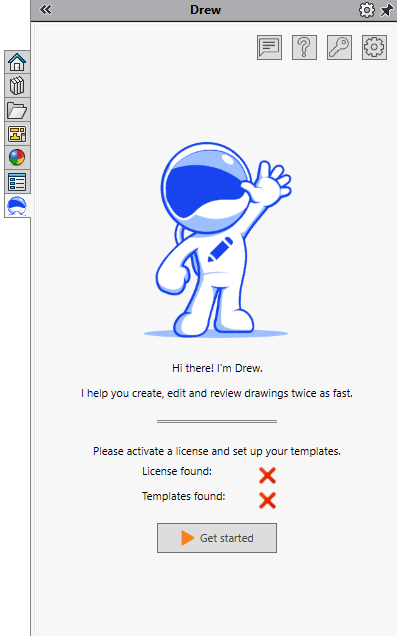
Setting up Drew takes 2-20 minutes, depending on how much you want to modify our default settings. You can start our settings wizard from the Drew task pane, which we explain in How does the Welcome Wizard work?. This wizard will be revamped soon.
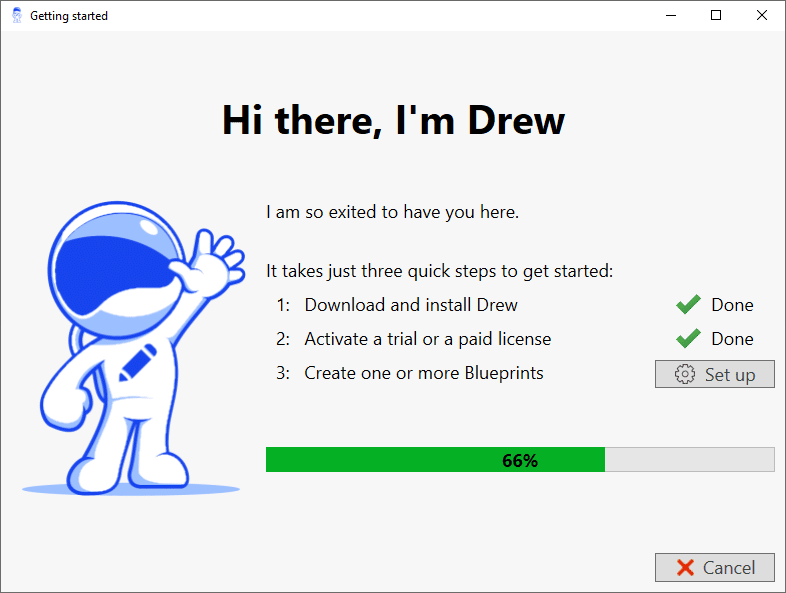
After you have gone through the wizard, you can dive into the full settings window. We go through most of the settings in the article Which settings are available?